


Don’t want AI features on your Mac? Tough luck, unless one wants to imperfectly do it by hunting down settings in about a dozen different places. Even then, the multi-gigabyte models stay on disk. Unsatisfied by this state of affairs, [omlahore] created RemoveMacAI, a one-stop-shop debloater that shows Apple Intelligence the door, reclaiming its disk space on the way out.
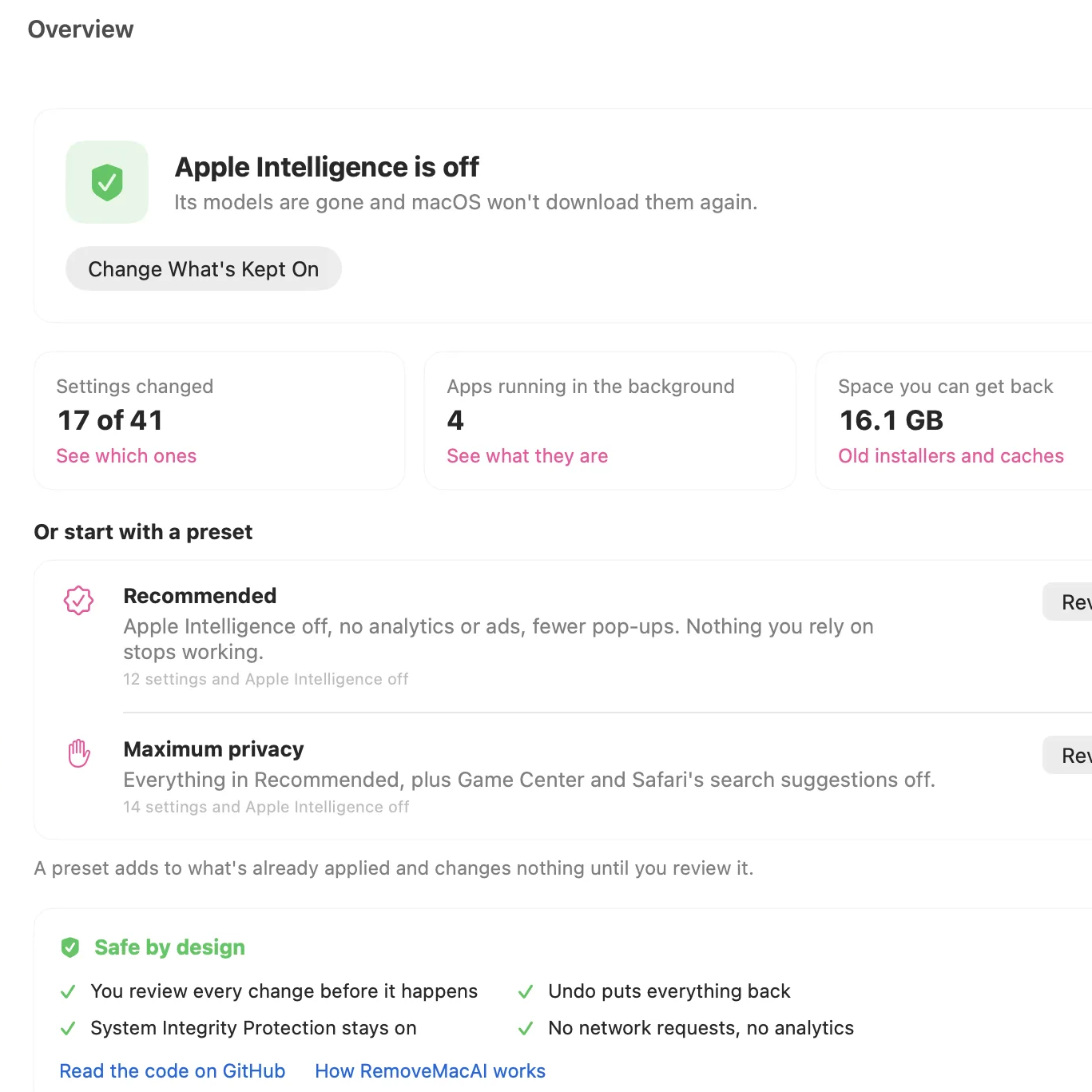 With RemoveMacAI one has a single location from which to turn individual AI features off, delete the models behind them, and block MacOS from downloading them again by redirecting attempts to a closed local port.
What’s refreshingly nice about the tool is how transparent it is about what each setting or preset will change, and communicates clearly what exactly one loses access to by disabling it. Want it all gone? Easy. Use one or two features, but don’t want the rest? No problem. All changes are shown up-front before the tool changes anything, and all alterations are reversible.
Released only a couple weeks ago, to say the tool is popular would be an understatement. Windows 11 also got a “remove AI features” tool, and it requires constant updating to stay functional. Will a future MacOS update interfere similarly with RemoveMacAI? Probably, but one thing that is clear is that a tool like this resonates deeply with a nontrivial number of users.


